Your first conversation
Sign in, ask Alto for something real, and turn the response into a saved deliverable.
The fastest way to understand AltStudio is to ask Alto for something you actually need. This walkthrough takes you from signing in to your first saved output.
Sign in
Open your workspace and sign in. You'll land in the Workbench — the conversation view with Alto.
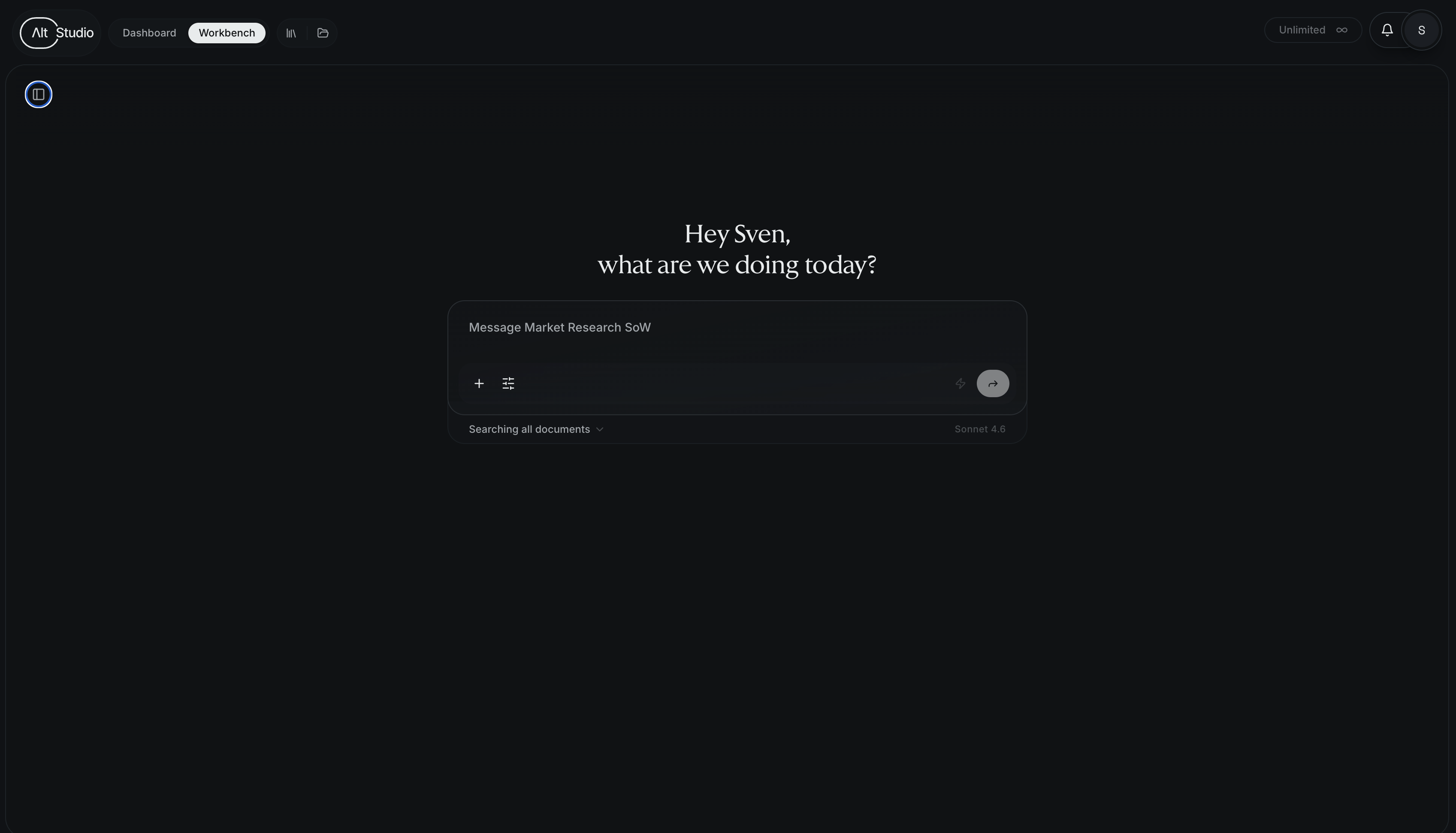
Ask Alto for something
Type a request in plain language. Be specific about the outcome you want — the more concrete, the better the result. For example:
Draft a one-page brief on the competitive landscape for AI note-taking apps, with a short summary and a comparison table.
Alto will work through the request, showing its progress, and produce a response. Substantial outputs — like a document or a deck — open in a side panel next to the conversation.
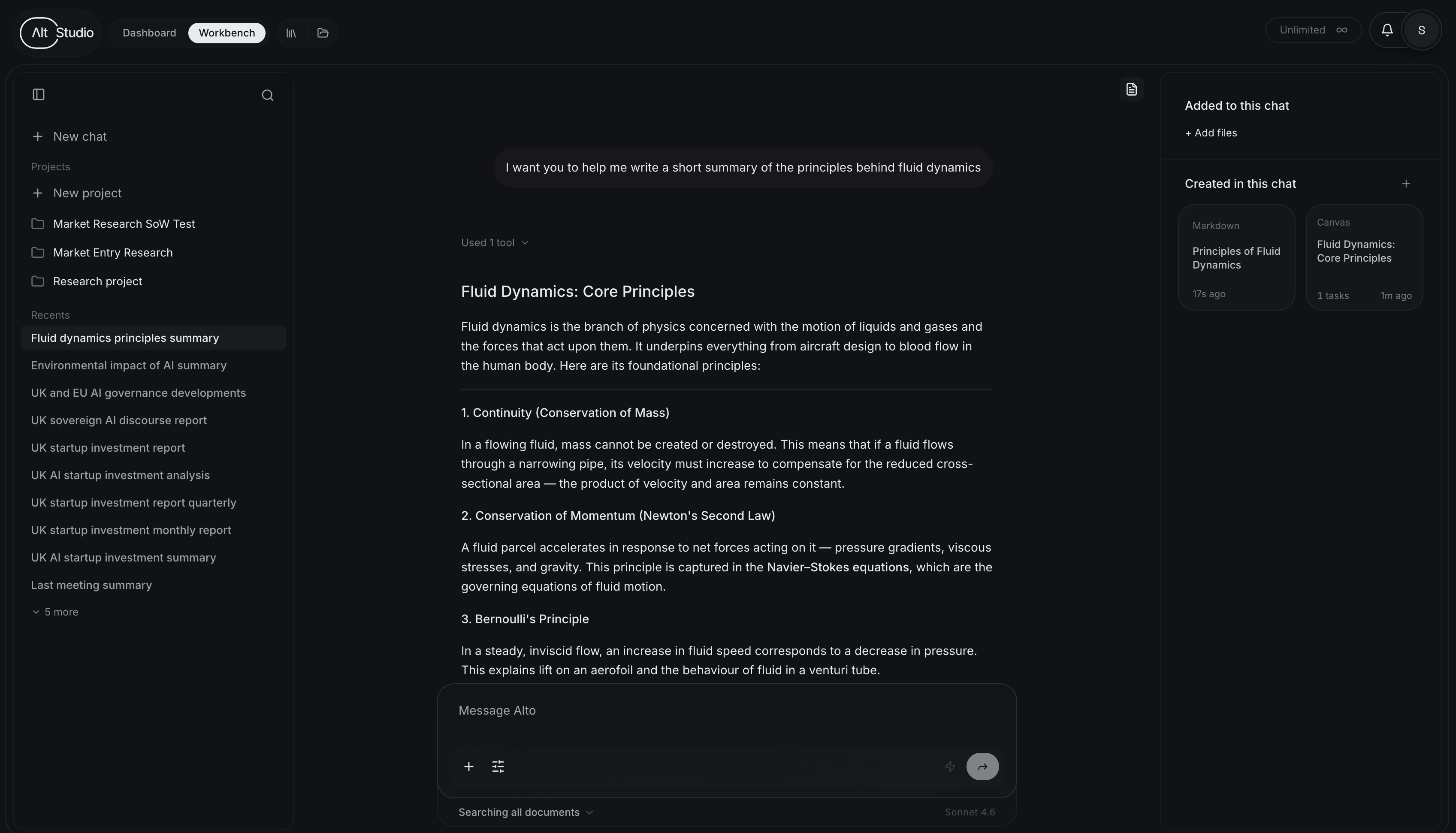
Refine in place
Keep talking. Ask Alto to tighten the summary, add a column to the table, or change the tone. Refinement is just more conversation — you don't start over.
Save it to a project
When the output is good, keep it by saving it to a project. That puts the deliverable somewhere durable and lets Alto and agents reference it later.
What to try next
You've seen the core loop: ask, refine, save. From here:
Projects & workspaces
Organize what you just made.
What is AltStudio?
See the other surfaces — canvas, knowledge, agents.
Want structure — multiple steps, branches, or research feeding a deliverable? Ask Alto to build a canvas, and the work becomes a visual graph you can run and rerun.