Projects & workspaces
How AltStudio organizes work — workspaces for your organization, projects for each body of work — and how to keep both tidy.
AltStudio organizes everything into two levels: a workspace for your organization, and projects for the distinct bodies of work inside it.
Workspaces
Your workspace holds your organization's members, settings, and all of its work. Most people work in a single workspace. If you belong to more than one, you can switch between them — each is fully separate, with its own projects, knowledge, and members.
Workspace-level settings include members and invitations, brand and business context that informs generated work, and usage.
Projects
A project scopes a body of work — a client engagement, an internal initiative, a research effort. Grouping work into projects has real benefits:
- Everything related stays together — canvases, documents, knowledge, and agent runs for the same effort live in one place.
- Context is scoped — Alto and agents can focus on a project's material rather than your entire workspace.
- It stays navigable — a busy workspace is far easier to work in when work is grouped rather than piled into one list.
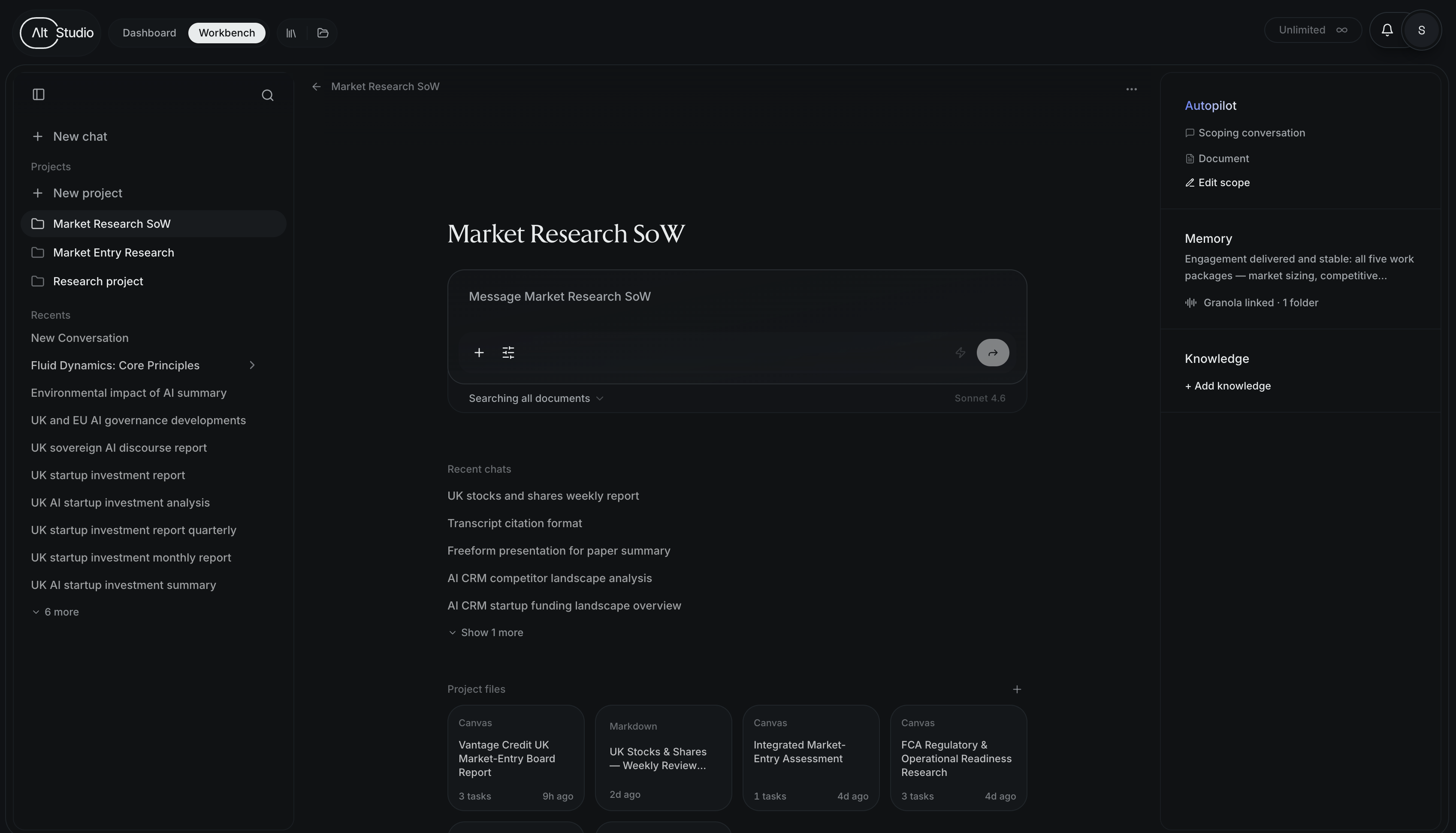
Creating and organizing projects
Create a project whenever you start a distinct piece of work, and give it a clear name. You can move items between projects as work evolves, and filter most views by project to focus on one effort at a time.
Work doesn't have to live in a project — you can start a conversation or a canvas without one. But assigning work to a project is what keeps it findable later and lets agents reference it.
Sharing and collaboration
Projects are shared through your workspace's members, so teammates can pick up the same work. Specific surfaces — like canvases — also support inline comments and mentions for collaborating in context.