Directives
Short slash commands that steer a single turn — ask Alto to reason aloud, plan first, research deeply, or build a canvas.
Directives are short commands, typed with a leading slash, that steer how Alto handles a turn. They're a quick way to change Alto's approach without spelling it out in prose — reach for one when the way you want something done matters as much as the request itself.
You can combine a directive with your request in the same message; it applies to that turn.
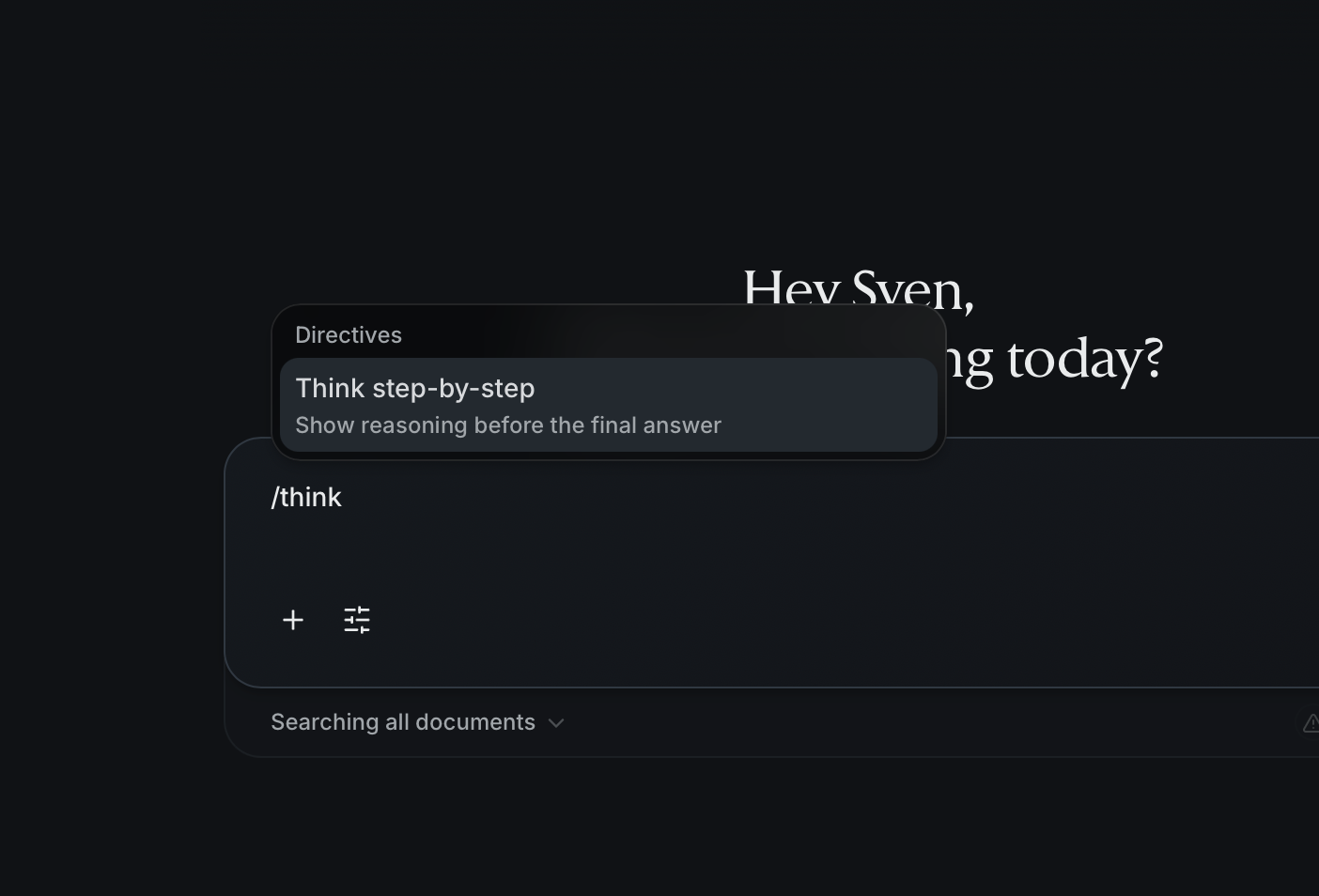
/think
Ask Alto to show its step-by-step reasoning as it works, rather than jumping straight to an answer. Useful when you want to follow the logic, check assumptions, or understand why Alto arrived somewhere — not just what it produced.
/plan
Have Alto draft a plan before executing. Alto lays out the approach it intends to take so you can review and adjust it before any work happens. Best for larger or multi-step requests where it's cheaper to correct the plan than the output.
/deep
Run a deeper, multi-source research pass. Alto spends more effort gathering and weighing sources before responding, trading speed for thoroughness. Reach for it when accuracy and coverage matter more than a fast answer.
/canvas
Turn the request into a visual canvas instead of an inline answer. Alto composes the work as a graph of connected nodes that you can run, inspect, and rerun. Ideal when the work has structure — multiple steps, branches, or pieces that feed into one another. See building on the canvas.
Not sure which to use? /plan first is a safe default for anything
substantial — you'll see Alto's intended approach and can redirect before it
commits.