Using skills
Invoke a published skill mid-conversation so Alto brings a consistent, packaged approach to a task.
A skill is packaged know-how — a repeatable way of doing something that Alto can apply on demand. Invoking a skill brings a consistent, expert approach to a task instead of relying on Alto to work it out from scratch each time.
Invoking a skill
Open the menu
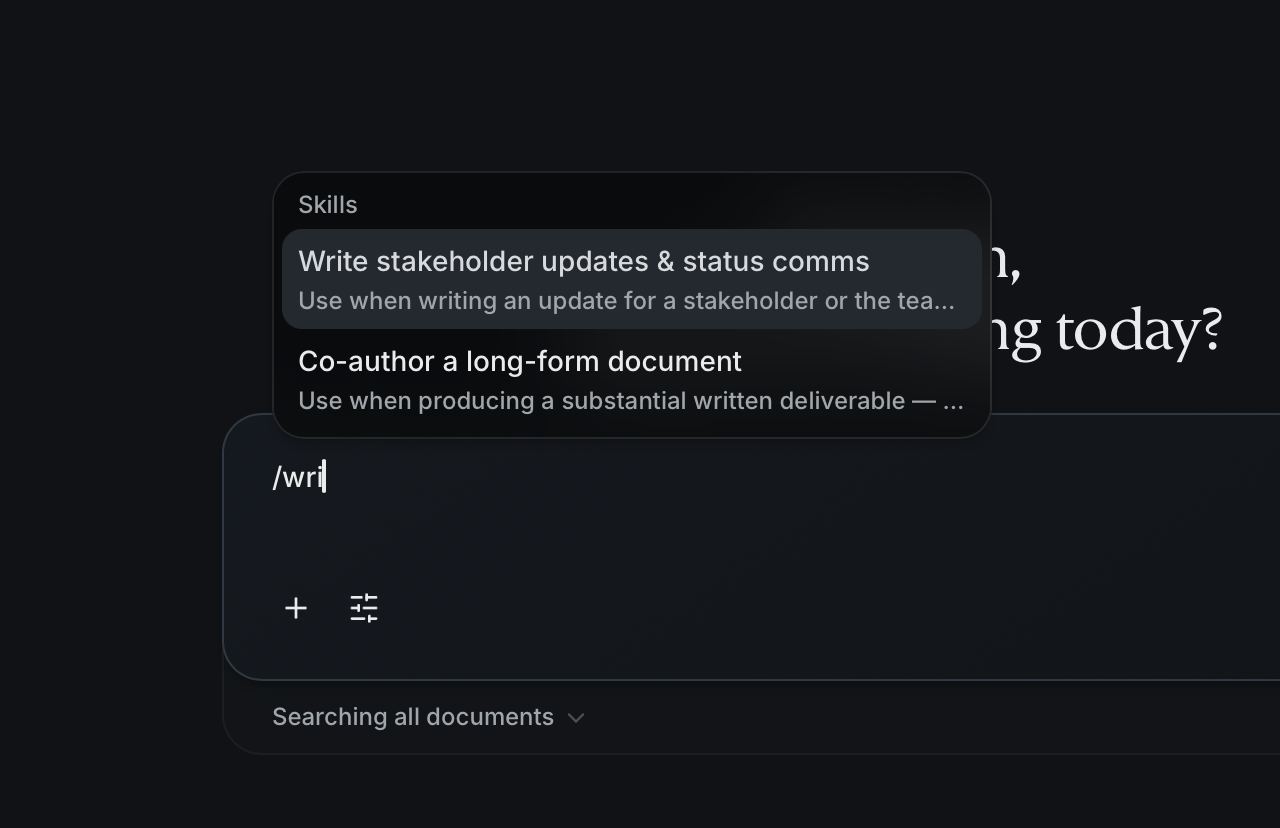
In the Workbench, type / in the message box to open the menu of available
skills.
Pick a skill
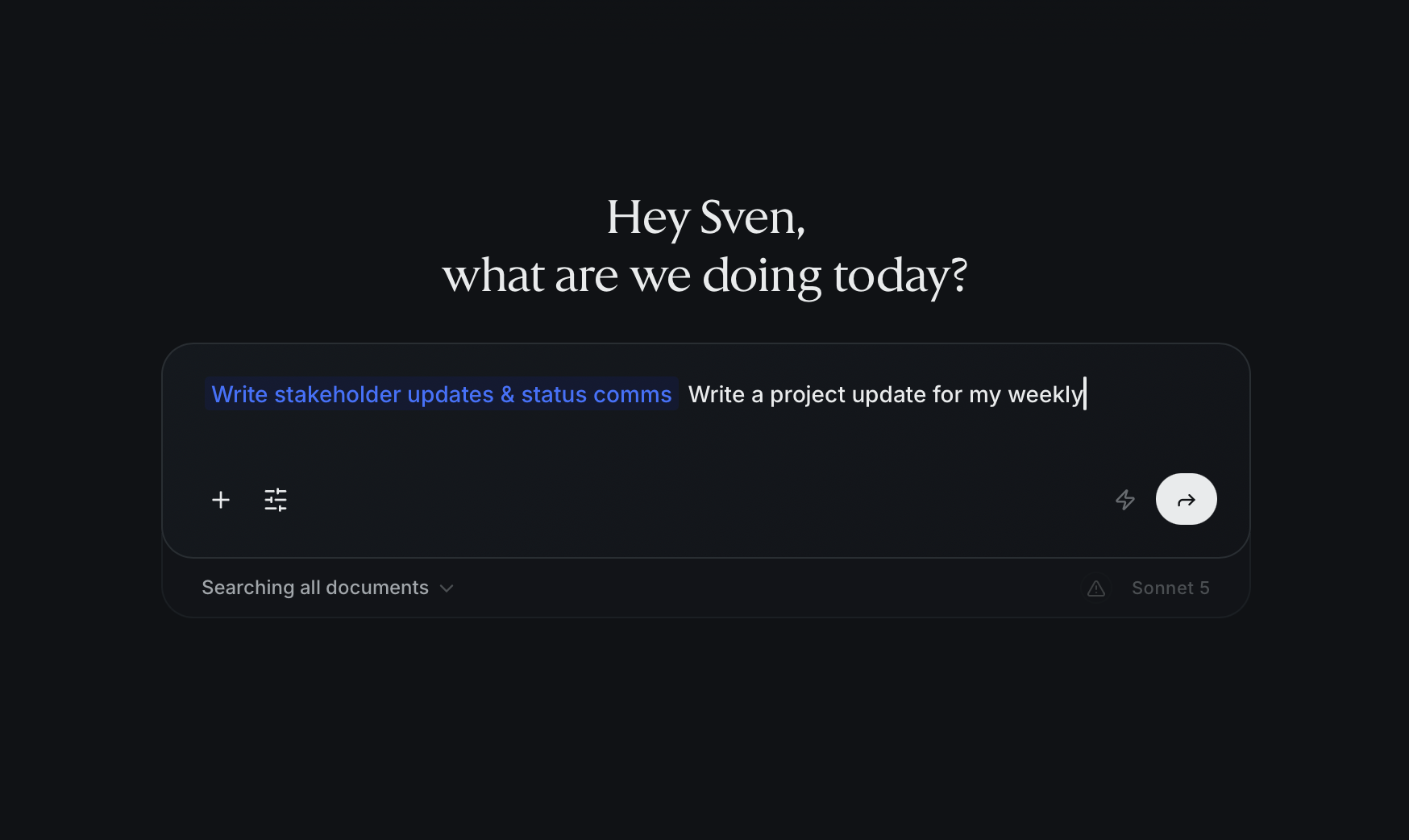
Choose the skill that fits what you're doing. Add any details it needs in the same message — the same way you'd phrase a normal request.
Let Alto apply it
Alto carries out the task following the skill's approach, producing the result in the conversation just like any other turn.
When to use a skill
Reach for a skill when a task recurs or benefits from a known method — something you'd otherwise have to explain to Alto each time. A skill captures that method once so the result stays consistent across people and conversations.
Skills aren't only for chat — agents can apply them to background work too. To create and publish your own, see the Skills section.