Inline agents
Hand a scoped task to an agent from within a conversation — it runs on its own while you keep working, then reports back inline with a saved deliverable.
Some work is worth handing off. From an Alto conversation you can dispatch an agent to carry out a scoped task — researching a topic, compiling a report — that runs on its own in the background. You keep working; when it finishes, its result comes back into the conversation with a short summary and a link to what it produced.
Handing work to an agent
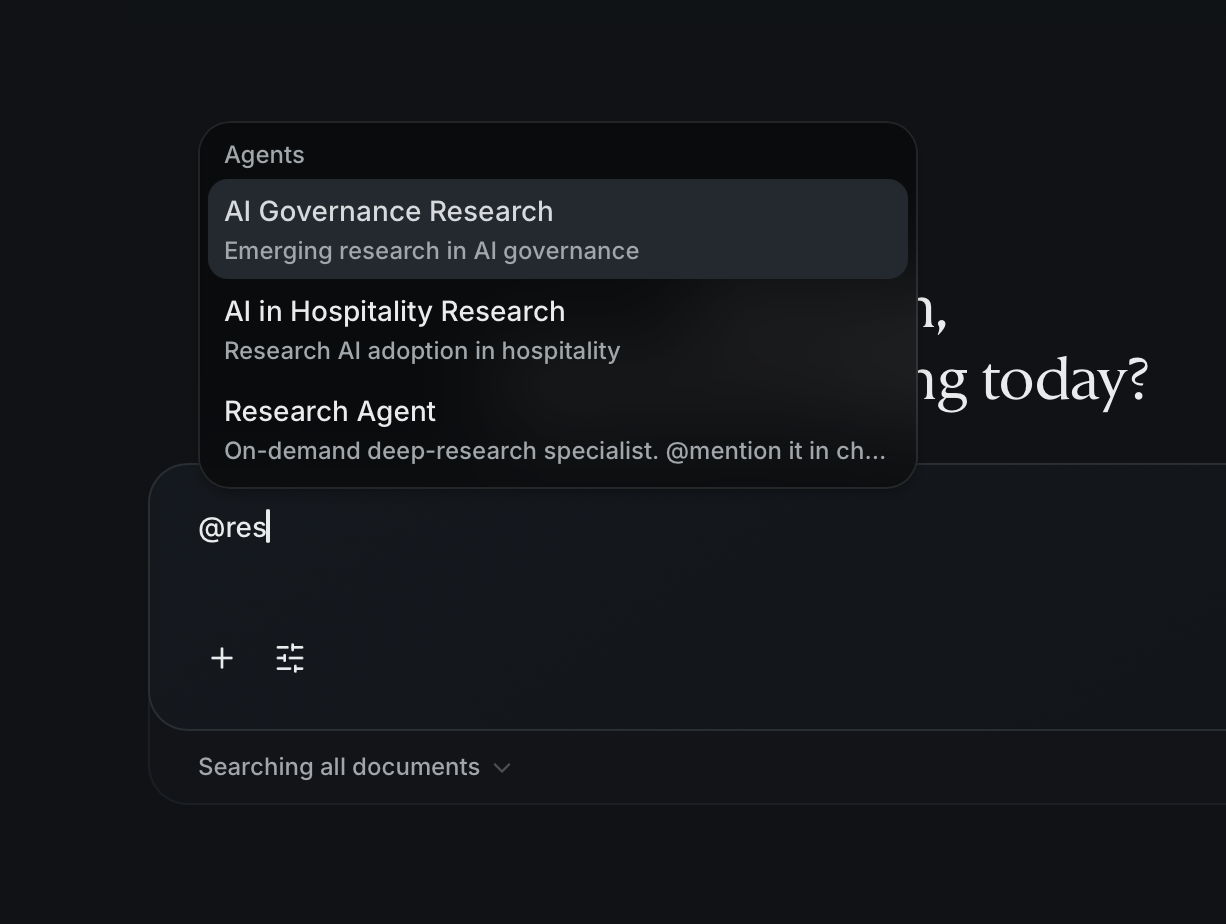
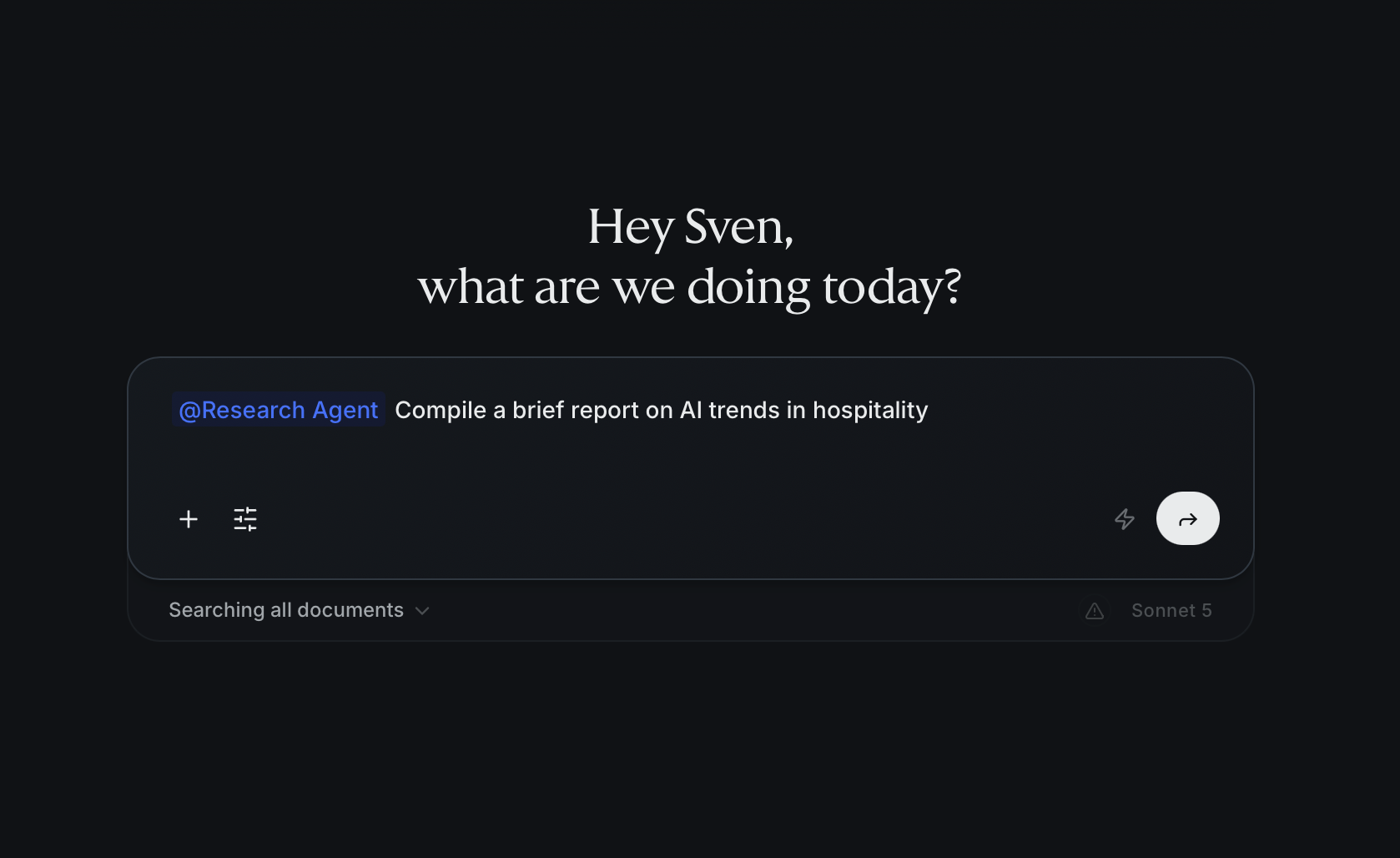
Ask Alto to have a particular agent take something on — name the agent and say
what you need. Type @ to pick from the agents available to you, then phrase
the request in the same message. Alto reads that agent's purpose, turns the
request into a clear, self-contained task, and kicks off a background run.
A few things make this work smoothly:
- It's non-blocking. The run starts immediately and the conversation stays usable — you don't wait on it.
- Alto scopes the task. The agent doesn't see your conversation, so Alto composes a self-contained brief — the goal, what to produce, and any constraints — from the discussion. If the request is ambiguous, Alto asks a quick clarifying question first; if no agent is a good fit, it says so.
- It stays tied to the conversation. The run is linked to the chat, so its result comes back to the thread — and the finished work also lands in your files.
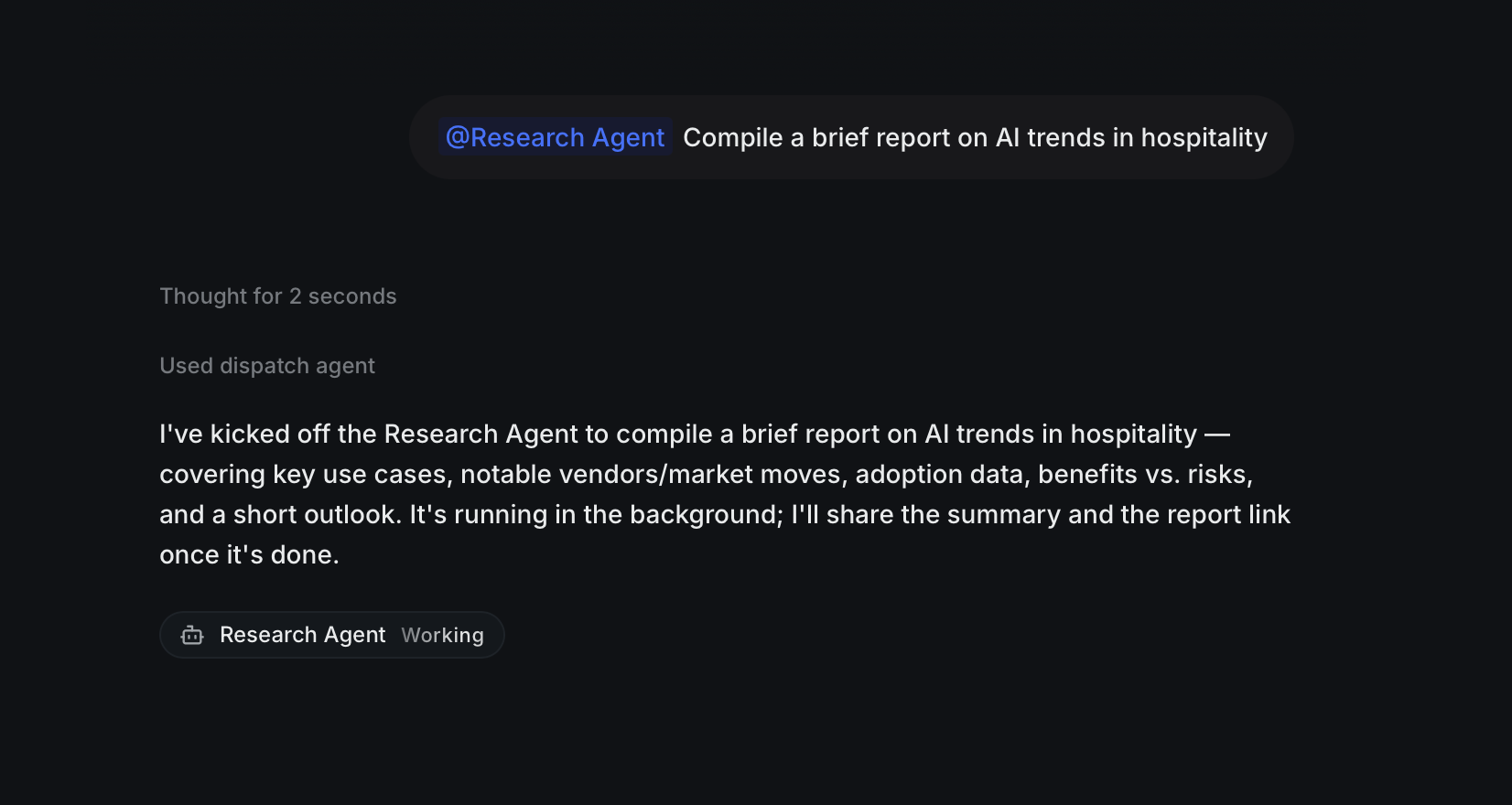
You can have a few agent runs going at once in a single conversation. Agents run one level deep — a dispatched agent focuses on its task and doesn't spawn further agents.
The research agent
The most common use is research. Point a research-capable agent at a question — "compile a full profile of Company X and save it as a report" — and it runs a deeper, multi-source pass than a single chat reply: searching the web, pulling in relevant material, and working through the findings across several steps.
What comes back is a real deliverable, not just chat text — a written report you can open, refine, and keep, produced while you carried on with other work.
What an agent produces
A dispatched agent can hand back its work in two durable forms:
- A written report (reference file). The agent authors a standalone document — Markdown by default — that becomes a first-class item in your workspace: searchable, viewable, editable, and citable like any other reference file. It's linked to the conversation and project it came from, so it shows up in the chat's outputs and in your files.
- Structured data. When the task is about tracking a set of things — competitors, candidates, findings — the agent can build a data source: a typed dataset (fields with types like text, number, date) that it fills with rows. You can then query it and reference it elsewhere. See Data.
If you want a specific deliverable, say so — "…and save it as a markdown report" or "…track these as a dataset." Alto passes that through so the agent produces the right artifact.
Coming back to the conversation
When the run finishes, its result returns to the conversation — a short summary of what the agent did and a link to the deliverable — so you and Alto can build on it without leaving the thread.
Because the run and its summary are saved to the conversation, you can leave and come back: navigate away while it works and you'll find the status, the summary, and the finished output waiting when you return.