Running a canvas
How to execute a canvas, watch results stream in, and work with the outputs it produces.
Once a canvas is wired up, you run it to produce results. You can run everything at once or work node by node while you build.
Running the graph
Run the whole canvas, or a single node
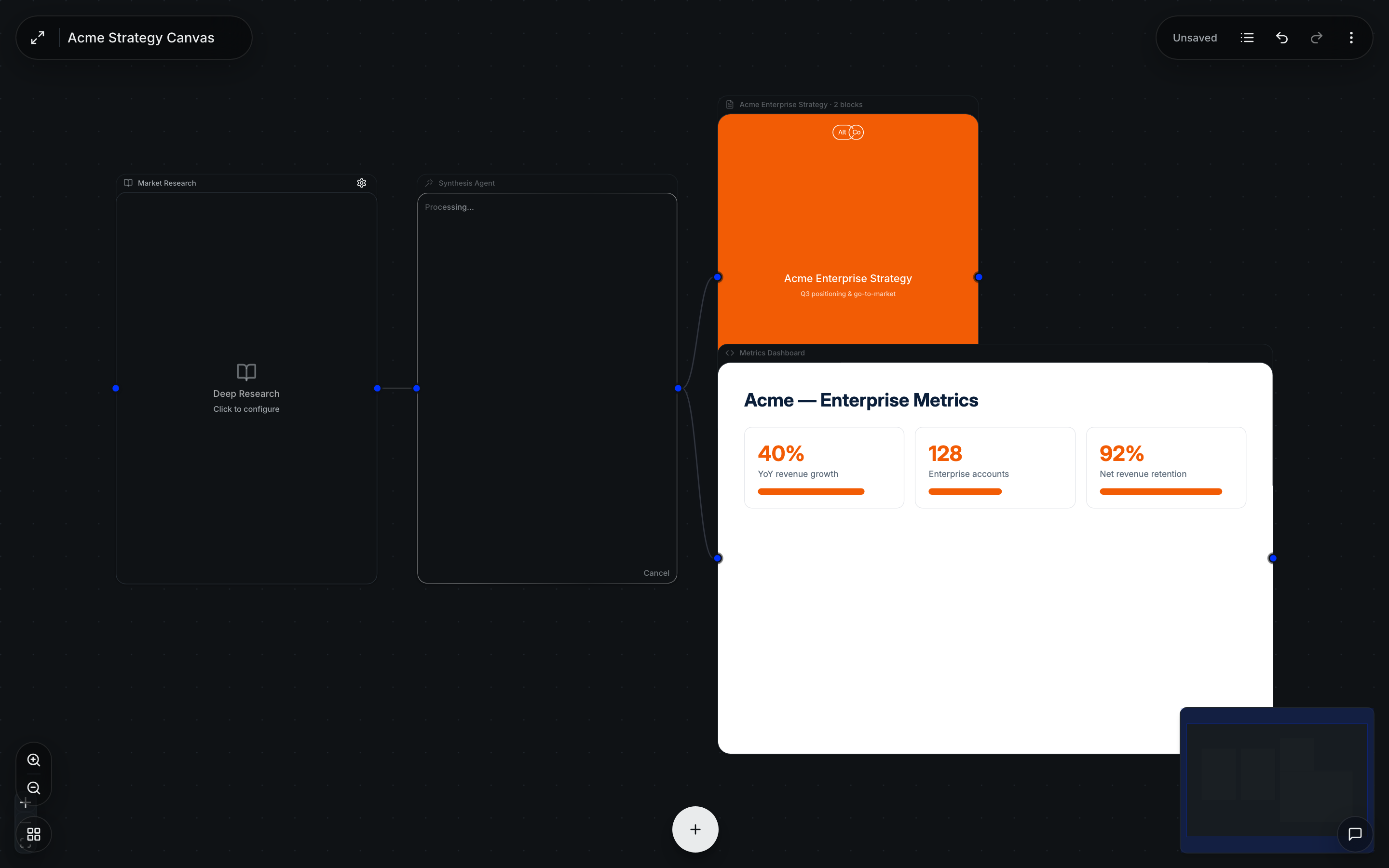
Run the entire graph to execute it end to end, with results flowing along the connections. While building, it's often easier to run a single node to check one step before wiring the next.
Watch results stream in
Nodes report progress as they work. Some work — like image generation or a longer research pass — runs as a background job, so the canvas stays responsive while it completes and the result lands when it's ready.
Open the output
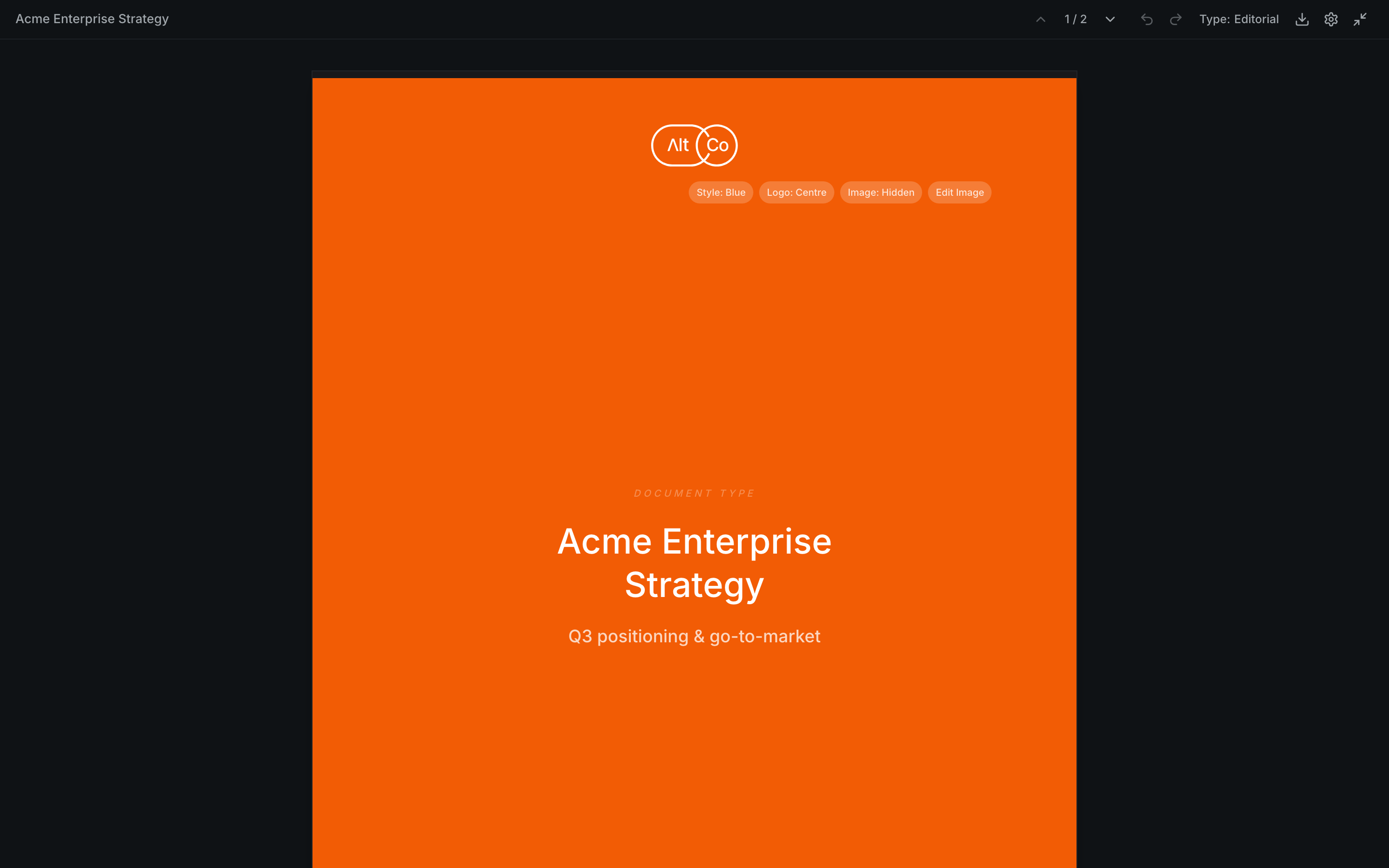
Substantial outputs open in their own output window — a document, presentation, spreadsheet, designed document, or HTML preview — where you can read, edit, and export the result.
Stopping a run
If a run is heading the wrong way, you can stop it rather than wait for it to finish — useful for long or background work you've decided to redo differently.
Rerunning parts
Because the graph is explicit, you can change one node and rerun from there rather than redoing the whole canvas — so iterating on a single step is quick.
Outputs are real deliverables — once a document or deck looks right, save it to a project so it's durable and can be referenced elsewhere.
Visualisations
An interactive, on-brand visual piece built on the canvas — dashboards, infographics, interactive charts and diagrams — that you can refine by asking Alto, then export or publish.
Knowledge & context
The store of everything AltStudio can draw on — documents, reference files, transcripts, and your brand and business context — so outputs are grounded in your material.