Documents
Rich-text documents for written deliverables, and designed documents for polished, branded long-form work.
Documents are the workhorse output for anything text-first — reports, briefs, proposals, memos. AltStudio has two kinds: plain documents for writing, and designed documents when the layout needs to be as finished as the content.
Documents
A document is edited in a rich-text editor with familiar formatting — headings, lists, tables, quotes, and more — and saves as you work. You can create a document three ways:
- Generated by Alto — ask for a draft in the Workbench and open the result.
- Written by hand — start a blank document and write.
- Both — generate a first pass, then edit and refine in place.
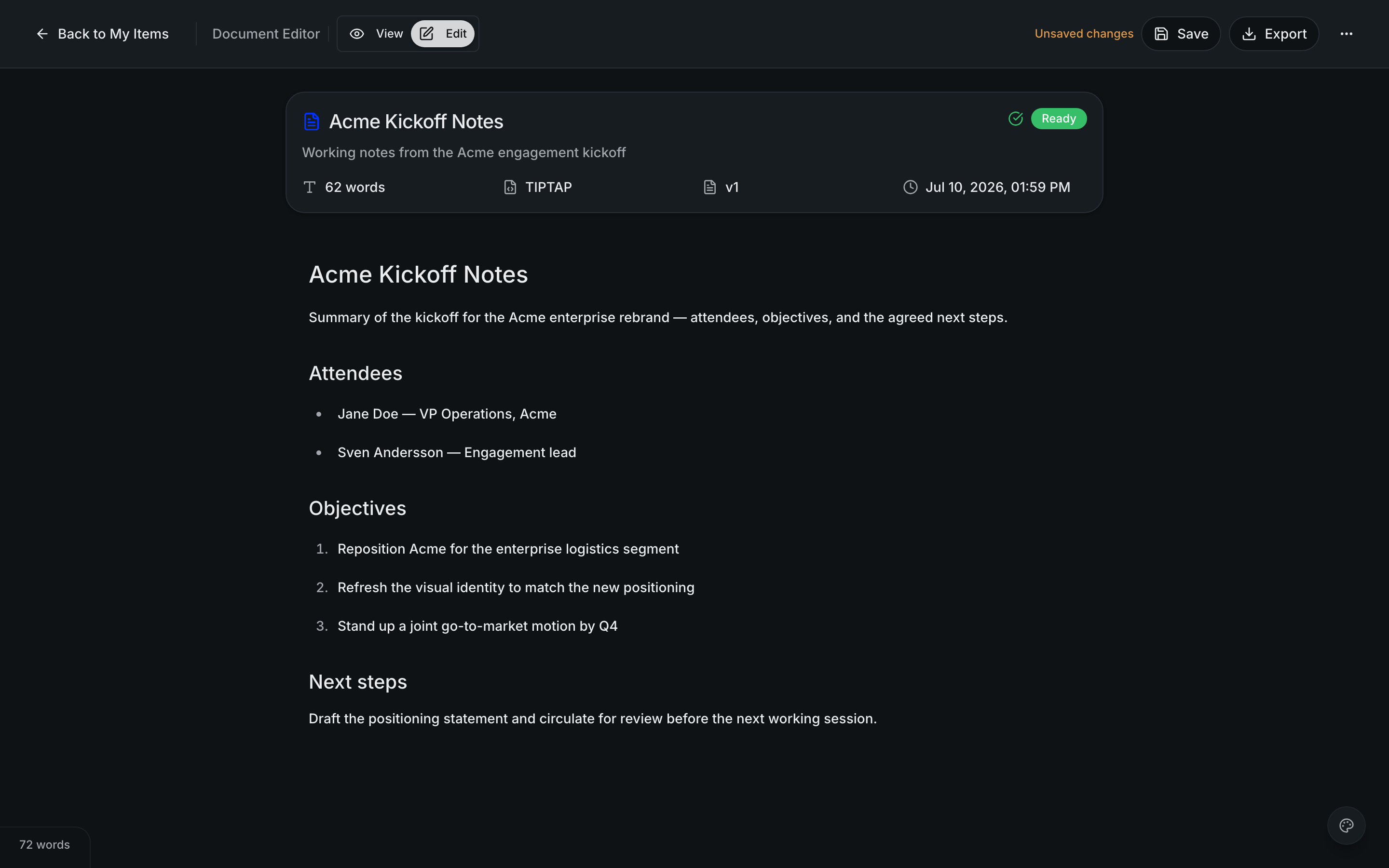
Because editing and generating live in the same place, refining an Alto-generated draft is no different from editing your own writing: adjust the text directly, or ask Alto to revise a section.
Designed documents
A designed document is a paginated, brand-themed alternative to a plain document — the right choice for long-form deliverables where the layout matters: a report you'll send to a client, a polished one-pager, a leave-behind. It picks up your brand styling so the result looks considered, not like raw text.
Designed documents are produced through the canvas, where the document is generated and laid out across pages.
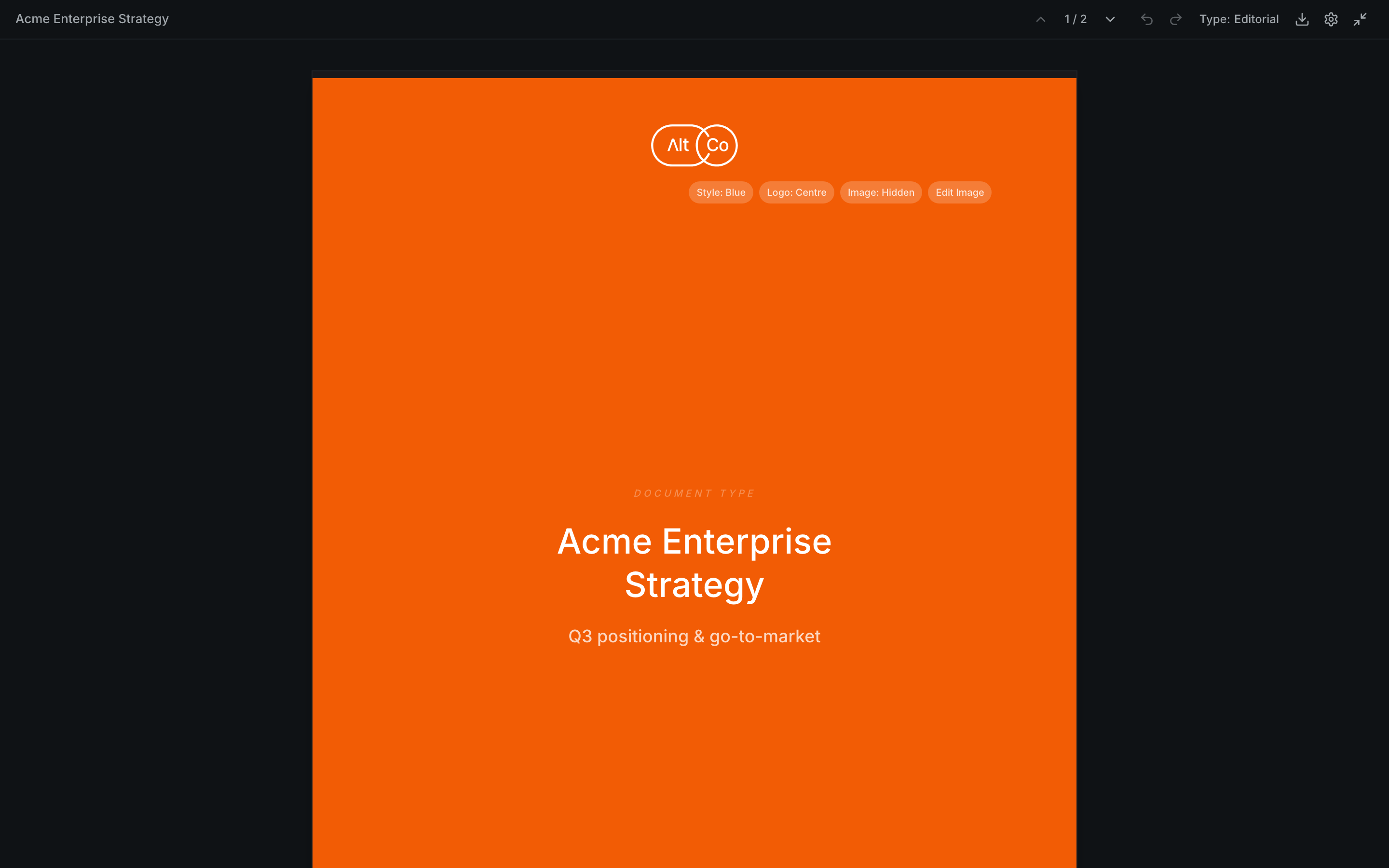
Reach for a designed document when presentation matters as much as the words. For fast internal writing, a plain document is quicker.
Exporting
Documents export to PDF, DOCX, Markdown, and HTML. Designed documents export to PDF, preserving their layout. See Exporting & sharing for the details.