Presentations
On-brand slide decks with a slide navigator, speaker notes, and a full-screen presenter mode.
Presentations are slide decks built for delivery. Like documents, a deck can be generated by Alto, built by hand, or refined from a generated draft — and it picks up your brand styling automatically.
Brand theming
A presentation uses your Brand context — colors, fonts, and logos — so slides look on-brand without manual styling. Set your brand up once in Brand & business context, and decks inherit it.
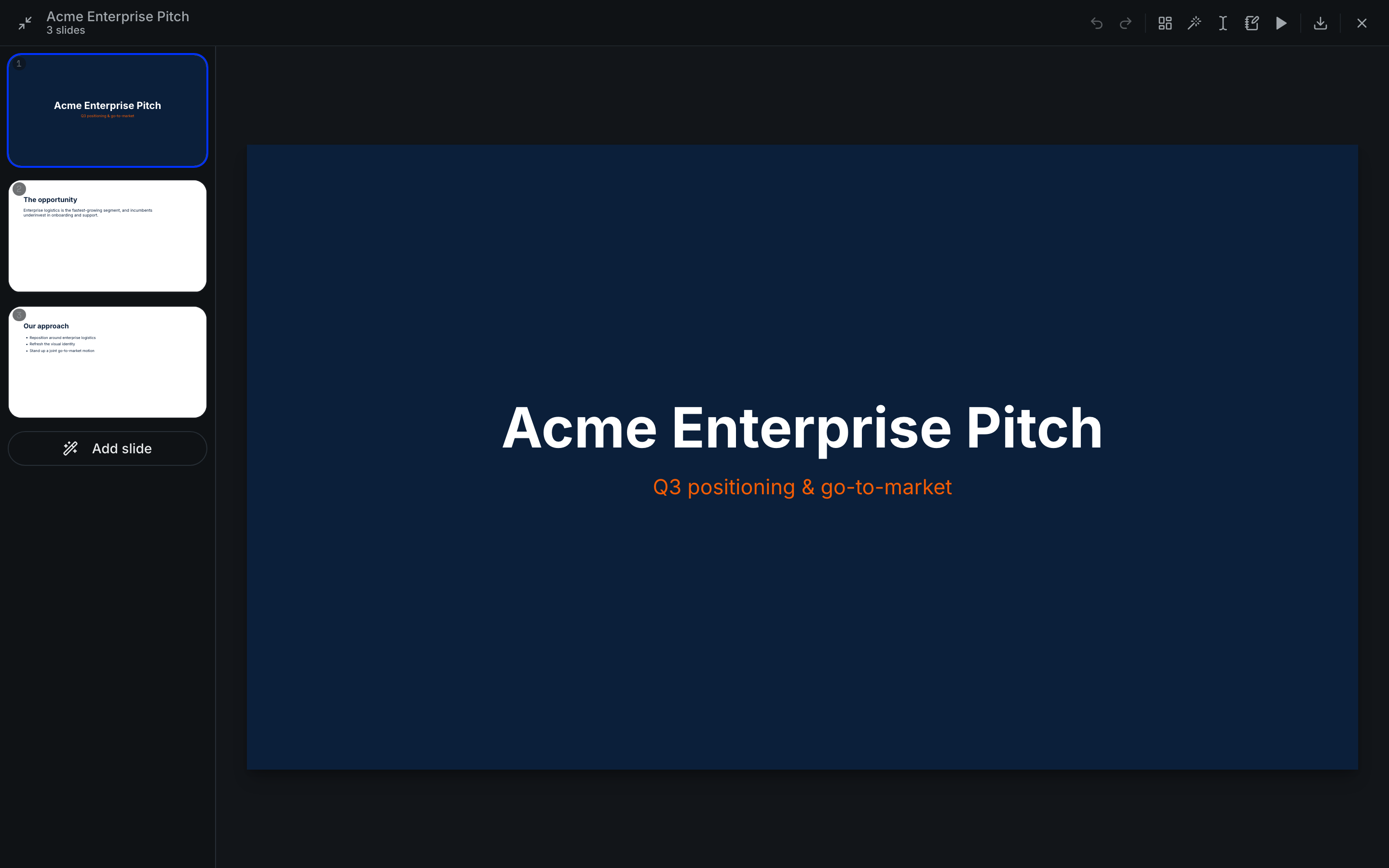
Building a deck
The editor gives you the pieces you'd expect:
- A slide navigator to move between, reorder, add, and remove slides.
- Per-slide editing of content and layout.
- Speaker notes to keep your talking points with the slide.
Presenting
When it's time to deliver, presenter mode takes the deck full-screen for a clean, distraction-free presentation.
Generating a deck with Alto gets you a structured first draft fast — then use the editor to tighten wording and adjust slides before you present.
Exporting
Presentations export to PDF and PPTX (PowerPoint), so you can share a read-only version or keep editing in PowerPoint. See Exporting & sharing.