Documents & reference files
Upload source material, keep it organized and searchable, and reference it from conversations and the canvas.
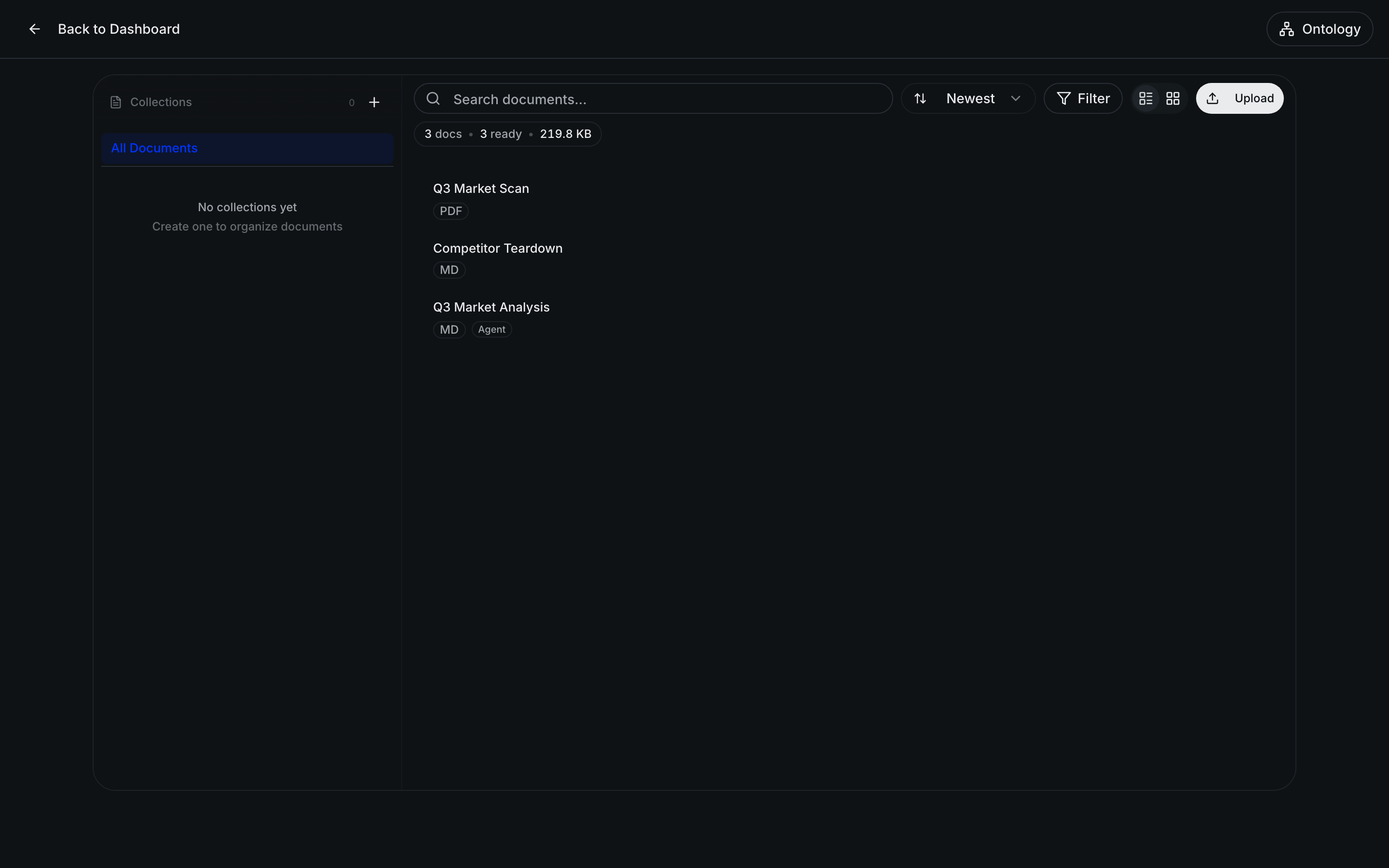
Documents are the source material AltStudio works from — the files you'd otherwise dig through by hand. Once a file is in your knowledge store, its contents are searchable and can be referenced anywhere Alto or an agent works.
Supported files
You can upload a wide range of formats:
- Documents — PDF, Word (DOCX), plain text, Markdown
- Spreadsheets — Excel (XLSX)
- Images — common image formats
Image-based PDFs — scans and exports without a text layer — are automatically run through OCR, so their text becomes searchable and referenceable like any other document.
Organizing and finding
Uploaded files are full-text searchable and can be tagged and grouped by project, so a busy store stays navigable. Filter by project to narrow to one effort, or search across everything when you're not sure where something lives.
Reference files
Alongside the files you upload, the store holds reference files — standalone documents that live in AltStudio itself, including ones that agents author as they work. They sit next to your uploads and can be cited the same way, so a brief an agent wrote is as referenceable as a PDF you added.
Using knowledge in your work
Knowledge isn't passive — you pull it into work as you go:
Reference it in a conversation
While talking to Alto, mention or attach a document so its content informs the response. Alto can quote and cite what it draws on.
Attach it to a canvas node
On the canvas, attach knowledge to a node so that step works from your source material — for example, grounding a research or drafting step in a set of reference files.
Knowledge & context
The store of everything AltStudio can draw on — documents, reference files, transcripts, and your brand and business context — so outputs are grounded in your material.
Brand & business context
Give AltStudio your logos, colors, fonts, and business facts so generated documents and decks come out on-brand and on-message.