Agents & automation
Agents do work on their own — researching, drafting, monitoring — and report back to your Dashboard.
Where Alto is interactive — you ask, it responds — agents work on their own. You give an agent a task and it runs in the background, then surfaces its results for you to review. Agents are how work gets done while you're not watching.
What agents do
An agent can take on work that's well-defined enough to run without a conversation: researching a topic, drafting a deliverable, monitoring for changes, or carrying a multi-step task forward over time. Agents draw on the same knowledge and skills as Alto, so their output is grounded and consistent.
Some agents run on a schedule; others you start when you need them. You can also dispatch an agent from a conversation (inline agents) or run one inside a canvas (agent nodes).
The Dashboard
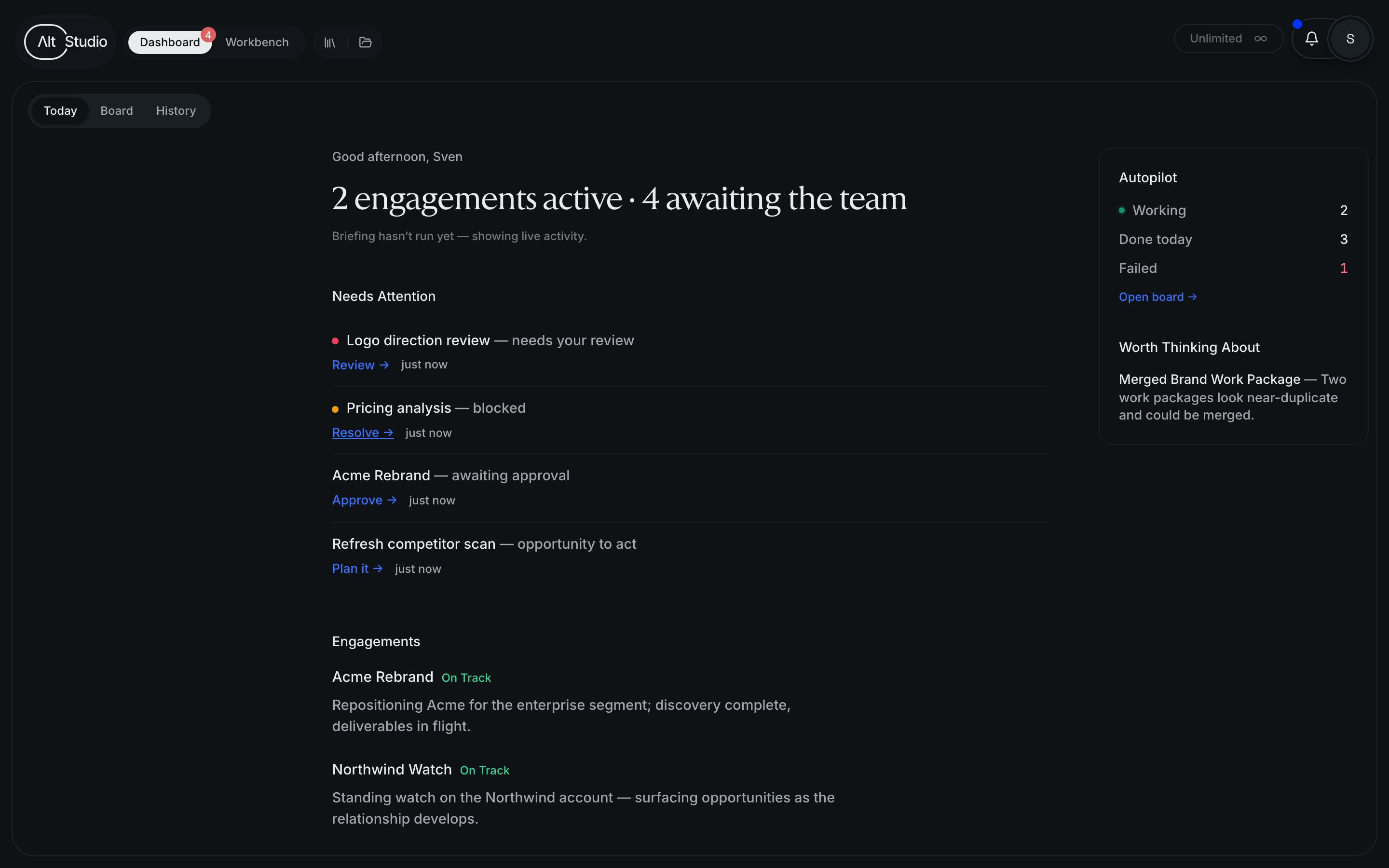
Agent work surfaces on the Dashboard, organized into three columns:
- For you — items that need your attention or input.
- In motion — work currently running.
- Recently done — completed results and fresh output.
Approvals
Agents can pause for your sign-off at key points rather than running unchecked. When an agent needs a decision — approving a plan or a result before it continues — that request shows up in For you on the Dashboard, where you can review and respond.
How engagements run
Scope, plan, approve, and let agents carry out a body of work.
Autopilot
Set how proactively a project is worked — watching or executing.
Building an agent
Create and configure an agent of your own.
Inline agents
Dispatch an agent from a conversation.
Agent nodes
Run an agent as a step on the canvas.
Skills
The packaged know-how agents apply.
Knowledge & context
What agents draw on.